


How to Download Photos from Instagram (Step-by-Step)
Downloading Instagram images is simple and takes just a few seconds:
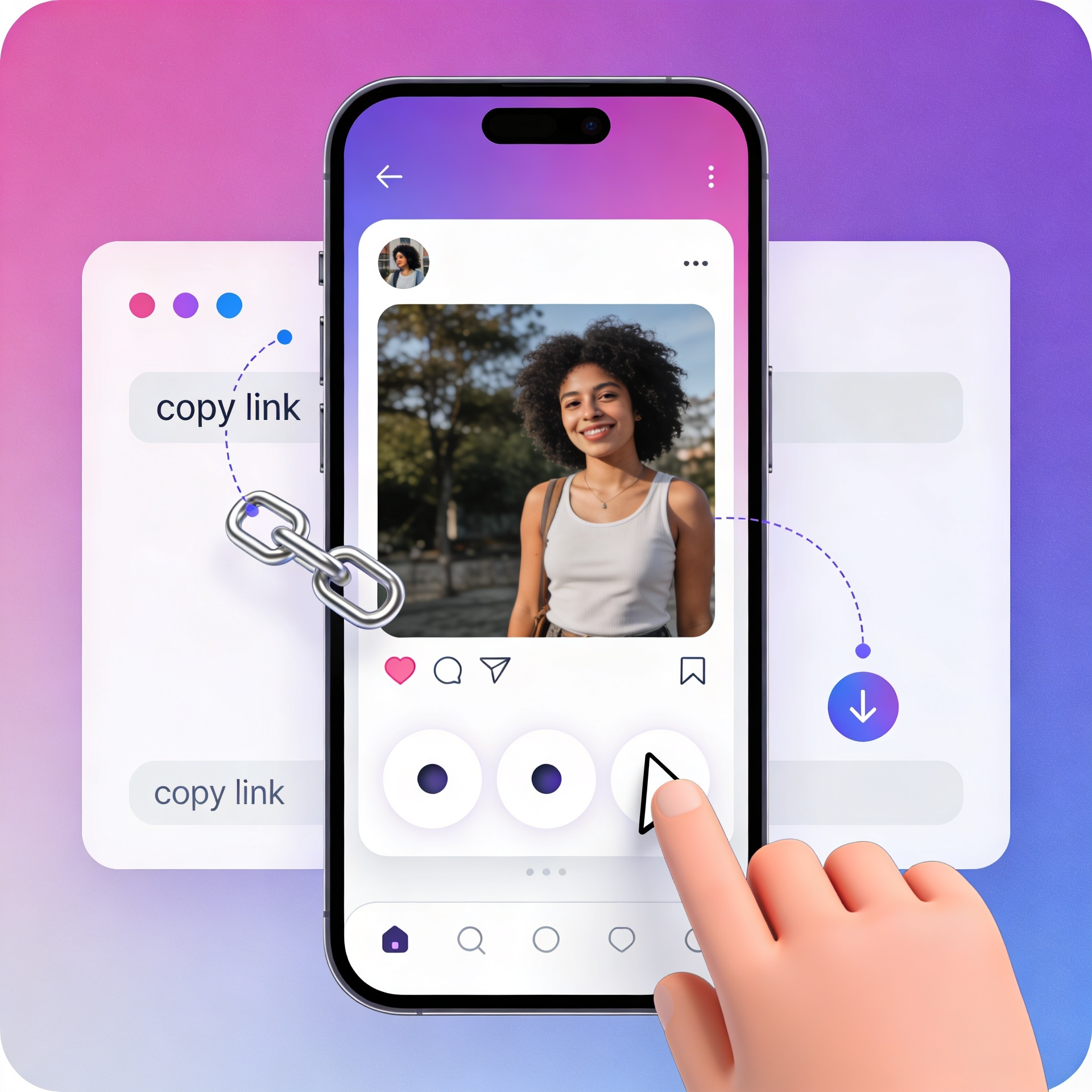
Copy the Instagram Photo URL
Open Instagram and find the photo you want to download. Tap the three dots (⋯) and select Copy Link.
Paste the Link
Go to our Instagram photo downloader tool and paste the copied link into the input box.
Download in HD
Click the Download button and instantly save the photo in high resolution (HD) to your device.
Free Instagram Photo Downloader – Save Images in HD
iGram is designed for speed, simplicity, and quality. Whether you're saving inspiration, reposting content (with credit), or archiving your favorite posts, this tool helps you download Instagram images in seconds.
There isn't any complicated setup. No apps required. Just paste the link and download.
Works perfectly on:
- Windows PC
- Mac (macOS)
- Android devices
- iPhone & iPad
Powerful Features of Our Instagram Image Downloader
Download Instagram Photos Instantly
Save any public Instagram photo directly to your device without limitations.
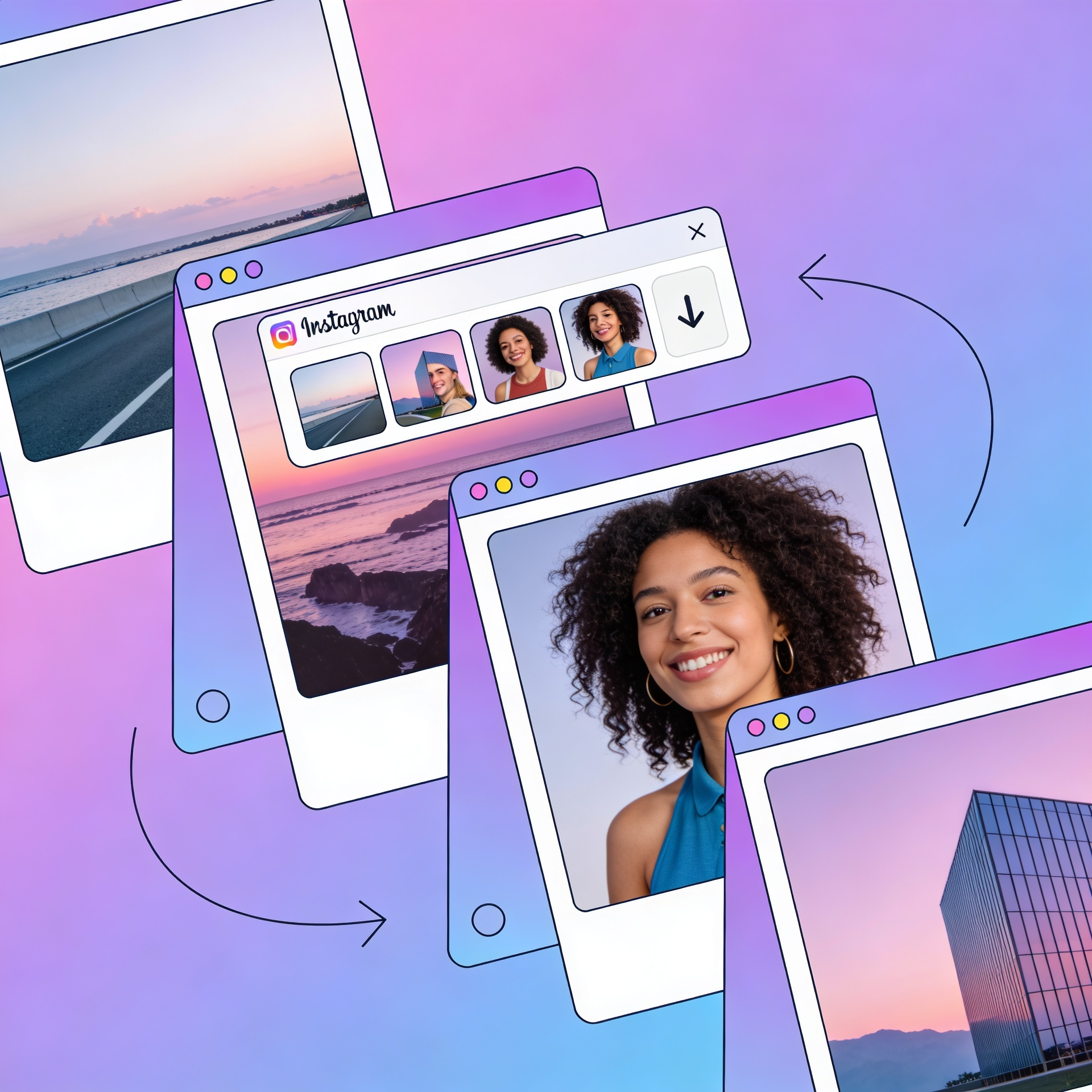
Download Multiple Photos (Carousel Support)
Easily download Instagram carousel posts (multiple images in one post). You can grab all photos instead of saving them one by one.

Fast & Reliable Performance
iGram servers are optimized for ultra-fast downloads, so you don't waste time waiting.

Safe & Secure
iGram respect your privacy: No login required, No personal data collected, Fully secure processing.

Works on All Devices
You're using mobile, tablet, or desktop, the iGram downloader adapts seamlessly for a smooth experience.
High-Quality Downloads
Download photos in their original resolution with no compression or watermark.
Download Instagram Carousel & Gallery Photos
Instagram allows users to post multiple images in a single post (carousel). With iGram, you can:
- Download all images from a carousel post
- Save Instagram gallery photos in full HD
- Avoid manual screenshotting or low-quality saves
Perfect for creators, marketers, and everyday users who want quick access to high-quality content.
Instagram Threads & Content Support
iGram also supports downloading content from Instagram Threads and other shared formats, making it a complete solution for saving Instagram media.
Why Use Our Instagram Photo Downloader?
Unlike many tools online, iGram focus on speed, simplicity, and quality:
No watermark on downloads
Download Instagram photos without added watermark from our tool.
100% free forever
Use iGram photo downloader without paying anything.
No software installation required
Everything works directly in your browser.
Clean, user-friendly interface
The page is simple and easy to use on all devices.
Pro Tip
If you regularly download Instagram content, bookmark this page for quick access. You can also explore our related tools:
Instagram Reels Downloader, Instagram Story Saver, Instagram Video Downloader, Facebook Downloader.

Save Instagram Photos Instantly with the iGram App
Download Instagram photos and carousel images in a faster mobile flow. No login is required, so you can paste, fetch, and save in just a few taps.
Install nowFrequently Asked Questions (FAQ)
Can I download Instagram photos on my PC or mobile?
Is this Instagram photo downloader free?
Do I need to log in to download images?
What image quality will I get?
Is it safe to use this tool?
Explore More iGram Tools
Instagram Video Downloader, Instagram Photo Downloader, Instagram Story Downloader, Instagram Reels Downloader, Facebook Downloader.
About Us, Contact Us, Privacy Policy, Terms and Conditions, Disclaimer, DMCA, FAQ, Blog.
Conclusion
Downloading Instagram photos is no more complicated. With our fast, free, and secure Instagram Photo Downloader, you can save any image in full HD.
Whether you're collecting inspiration, saving memories, or managing content, this tool gives you everything you need in one place.