


How to Download Instagram Reels Videos
Saving a Reel from Instagram has never been easier. Follow these three steps and your video will be on your device in moments.
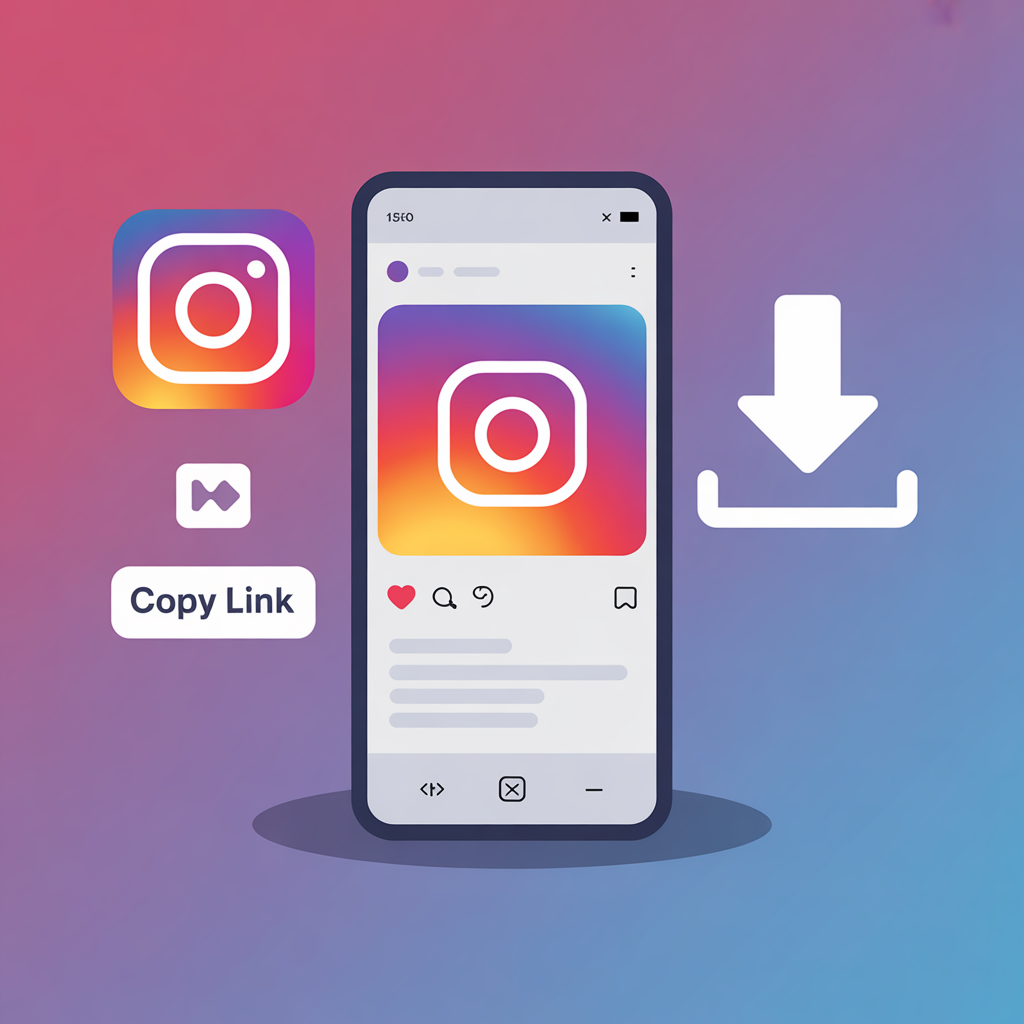
Copy the Reel Link
Open Instagram and find the Reel you want to save. Tap the three-dot menu and choose "Copy Link". That is your video URL, ready to paste.
Paste the Link into iGram
Paste the copied Reel link into the download field at the top of this page, then click the "Download" button.
Save the Reel to Your Device
Your Reel will process quickly. Once ready, tap the download option and save the MP4 video file to your device.
Download Instagram Reels on Mobile
Prefer downloading on the go? iGram works smoothly in mobile browsers on Android and iPhone. Paste your Reel link, tap Download, and save the video to your gallery, downloads folder, or files app depending on your device and browser.
No app is required for the web version, and the page is optimized for fast mobile use.
Why People Choose iGram to Download Reels
iGram is built for speed, quality, privacy, and simplicity.

Instant Online Downloads
Paste a Reel link and download. iGram works entirely in your browser, so there is no desktop software required.
4K, 1080p & HD Quality
Save Instagram Reels in the highest available resolution, including HD MP4 quality whenever available from the source.
Zero Watermarks
Videos downloaded through iGram are not stamped with extra logos or branding overlays from our tool.

100% Anonymous
iGram never asks for your Instagram credentials. No login, no password, and no account access required.

Works on All Devices
iPhone, Android, Windows, Mac, tablets, and modern browsers are supported with no special setup.

Save as Many Reels as You Want
No complicated setup, no registration, and no premium wall for basic Reel downloading.
When Would You Actually Need This?
Maybe you created a Reel and want to back it up before deleting it. Maybe you found a tutorial, recipe, workout clip, travel idea, or educational video that you want to keep without relying on Instagram's saved folder.
Creators often use Reel downloads to organize their own content, repost their own videos on TikTok or YouTube Shorts, or keep client examples for planning. Students, marketers, designers, and everyday users may save public Reels for research, inspiration, or offline viewing.
Whatever the reason, iGram exists to make that process effortless, browser-based, instant, and free.
Explore More iGram Tools
Try our tools: Instagram Video Downloader, Instagram Photo Downloader, Instagram Story Downloader, Instagram Reels Downloader, and Facebook Downloader.
Helpful pages: About Us, Contact Us, Privacy Policy, Terms and Conditions, Disclaimer, DMCA, FAQ, and Blog.
Get Reels Downloads in One Tap with the iGram App
Save Instagram reels in a focused mobile layout built for quick actions. No login is required, which makes it simple to fetch and download while you browse.
Install nowFrequently Asked Questions
What are Instagram Reels videos?
How do I download an Instagram Reel by link?
Can I download private Instagram Reels?
Is iGram safe to use?
Does it work on iPhone and Android?
What format are downloaded Reels saved in?
Important Notice
This Instagram Reels Downloader is intended for personal use only. Always respect copyright laws, content ownership, and Instagram's terms. Get permission from the original creator before reposting, editing, publishing, or using downloaded content commercially.
We are not affiliated with Instagram or Meta. igram.click does not host any content.
Start Downloading Instagram Reels Right Now
Paste a Reel link above, click download, and save your video in seconds.
Need help? Visit our contact page.