


How to Download an Instagram Story
No app installs. No sign-ups. Just three steps and your Story is saved.
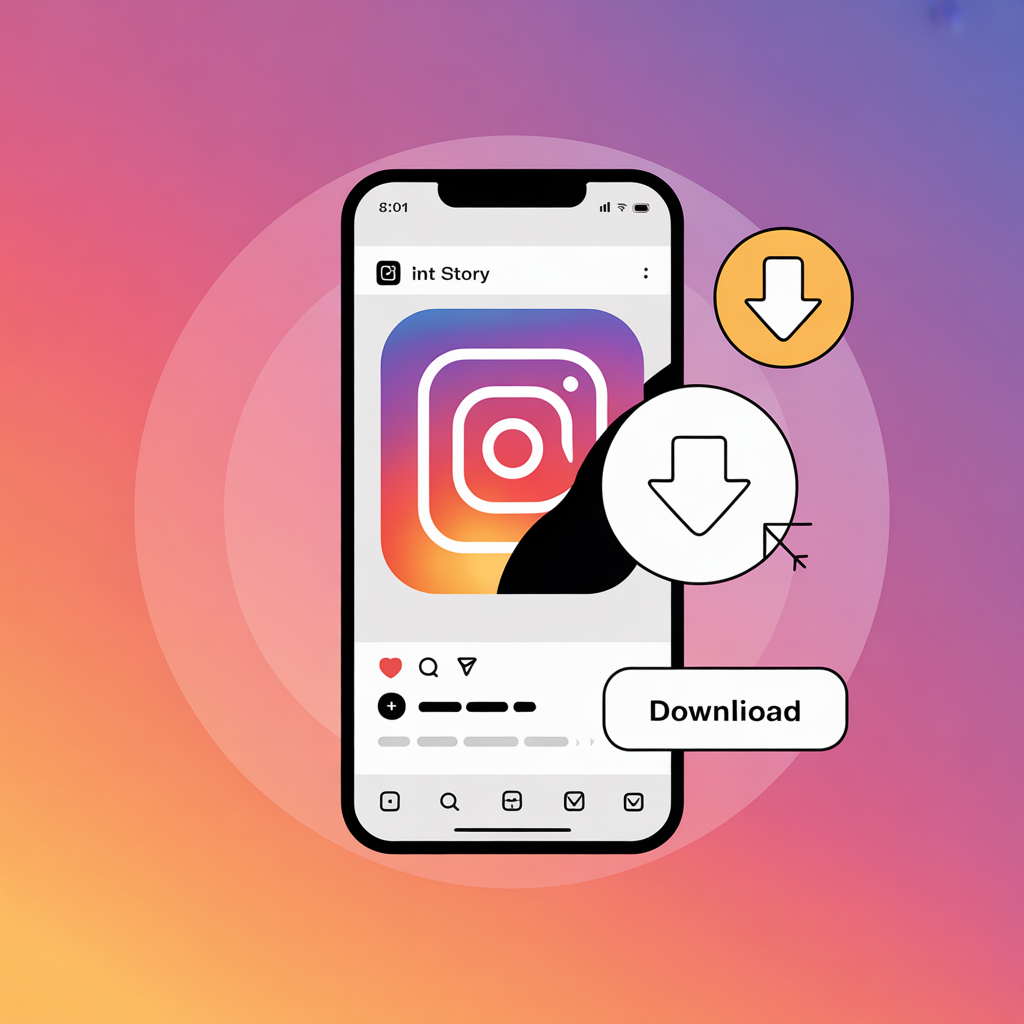
Copy the Story Link
Open Instagram and find the Story you want to download. Tap the three-dot menu on the Story and select "Copy Link". If the option is not visible, the Story may be from a private account.
Paste the Link into the Downloader
Come back to iGram and paste the copied link into the input field above. Check that the full URL is pasted correctly, then click the "Download" button.
Save the File to Your Device
Your Story file will process in seconds. Click the download option and save the image or MP4 file directly to your device.
What Can You Download with This Instagram Story Saver?
This is not just a basic story downloader. Here is what it supports.
Instagram Stories
Download any public Instagram Story as an MP4 video or image in the highest available quality without watermark from our tool.
Instagram Highlights
Save public Highlight media to your device with a single link paste before it is removed or deleted.
Works on All Devices
Use iGram directly in your browser. It works on iPhone, Android, Windows, Mac, tablets, and desktop browsers.
Anonymous Use
No Instagram login is required, and the account owner is not notified when you download public Story media.
Always Free
No subscription, no hidden fees, and no paid tier. Save public Stories and Highlights for personal use.

Fast Processing
Paste a valid public link and get your downloadable Story result quickly without extra steps.
Download Instagram Stories on iPhone or Android
You do not need to install anything. iGram works entirely in your mobile browser.
On iPhone: After clicking download, tap "Download Linked File" or "Save to Files" when prompted. Your Story may appear in the Files app or Photos app depending on the file type and browser.
On Android: The file usually downloads automatically to your Gallery or Downloads folder. You can open it from your browser download list or photo/video gallery app.
On PC or Mac: Click the download button or right-click the result and choose "Save As". The file will save to your default Downloads folder unless you select another location.
Why Use This Instagram Story Saver?
There are many Instagram downloaders online. Here is why this one stands out.
| Feature | This Tool | Most Competitors |
|---|---|---|
| No login required | ✅ | Often required |
| No watermark | ✅ | Watermark added |
| Original quality | ✅ | Often compressed |
| Works in mobile browser | ✅ | App often required |
| Free to use | ✅ | Freemium |
| Anonymous downloads | ✅ | May track activity |
Tips for Getting the Best Results
- Public accounts only: Instagram restricts access to private content.
- Copy the full link: Make sure the URL is complete before pasting it.
- Stories expire: Save them before the 24-hour window closes.
- No app needed: This tool works directly inside your browser.
Explore More iGram Tools
Try our tools: Instagram Video Downloader, Instagram Photo Downloader, Instagram Story Downloader, Instagram Reels Downloader, and Facebook Downloader.
Helpful pages: About Us, Contact Us, Privacy Policy, Terms and Conditions, Disclaimer, DMCA, FAQ, and Blog.
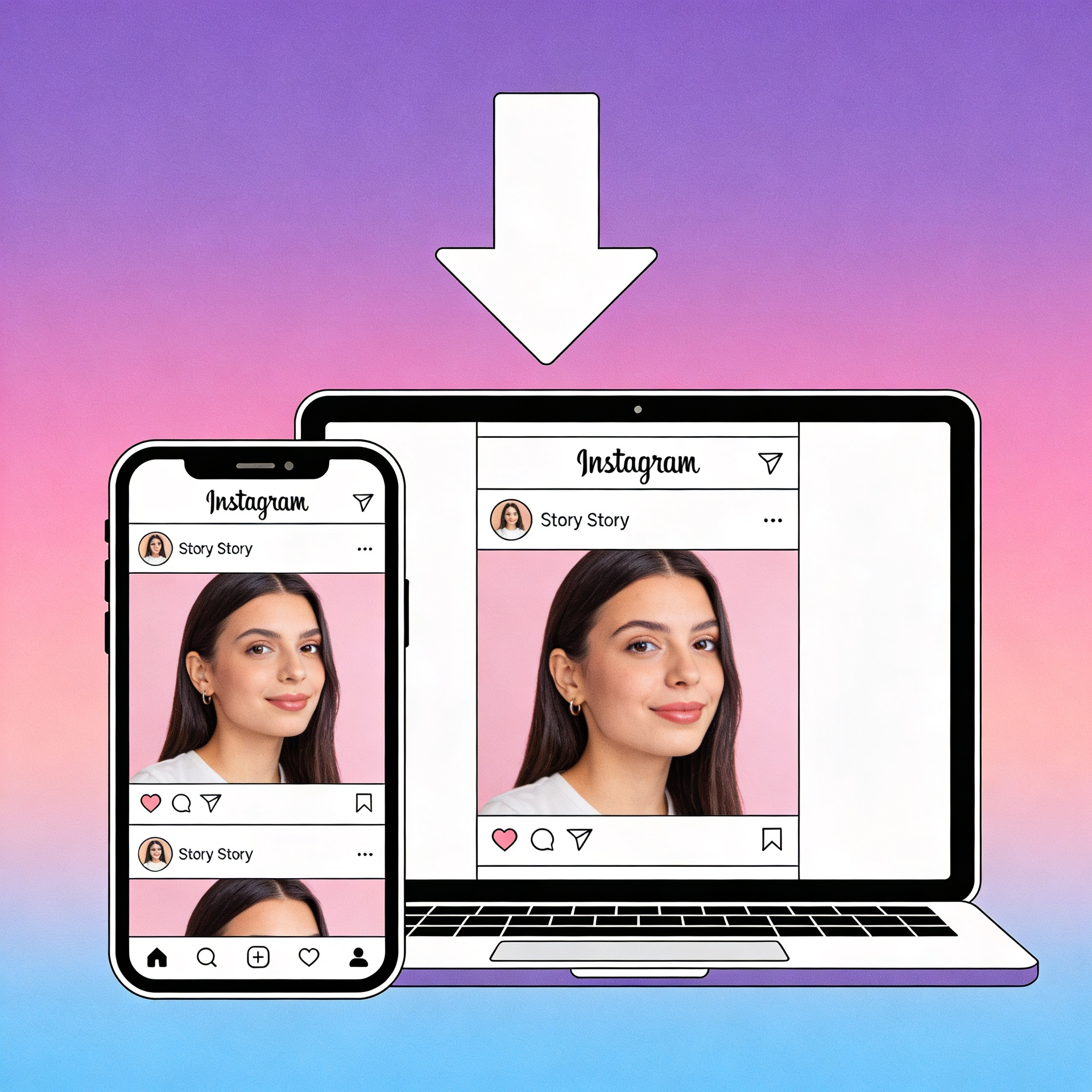
Download Stories and Highlights on Mobile
Keep Instagram stories and highlights ready for offline viewing with a smoother in-app style experience. No login is required, and downloads stay fast and private.
Install nowFrequently Asked Questions
What are Instagram Stories and Highlights?
Can I download Instagram Stories without logging in?
Is it possible to download Stories anonymously?
What video quality can I download Instagram Stories in?
Why can't I download a Story?
Can I download Instagram Highlights with this tool?
Is this Instagram Story downloader free?
Does this work for downloading Instagram Reels?
Important Notice
This Instagram Story Saver is intended for personal use only. Always respect copyright laws, content ownership, and Instagram's terms. Get permission from the original creator before reposting, editing, publishing, or using downloaded content commercially.
We are not affiliated with Instagram or Meta. igram.click does not host any content.
Ready to Save Your First Story?
Paste the Instagram Story or Highlight link above and hit Download. It takes less than 10 seconds.
Need help? Visit our contact page.